

Appearance
Edit Page-Builder Layouts with AI
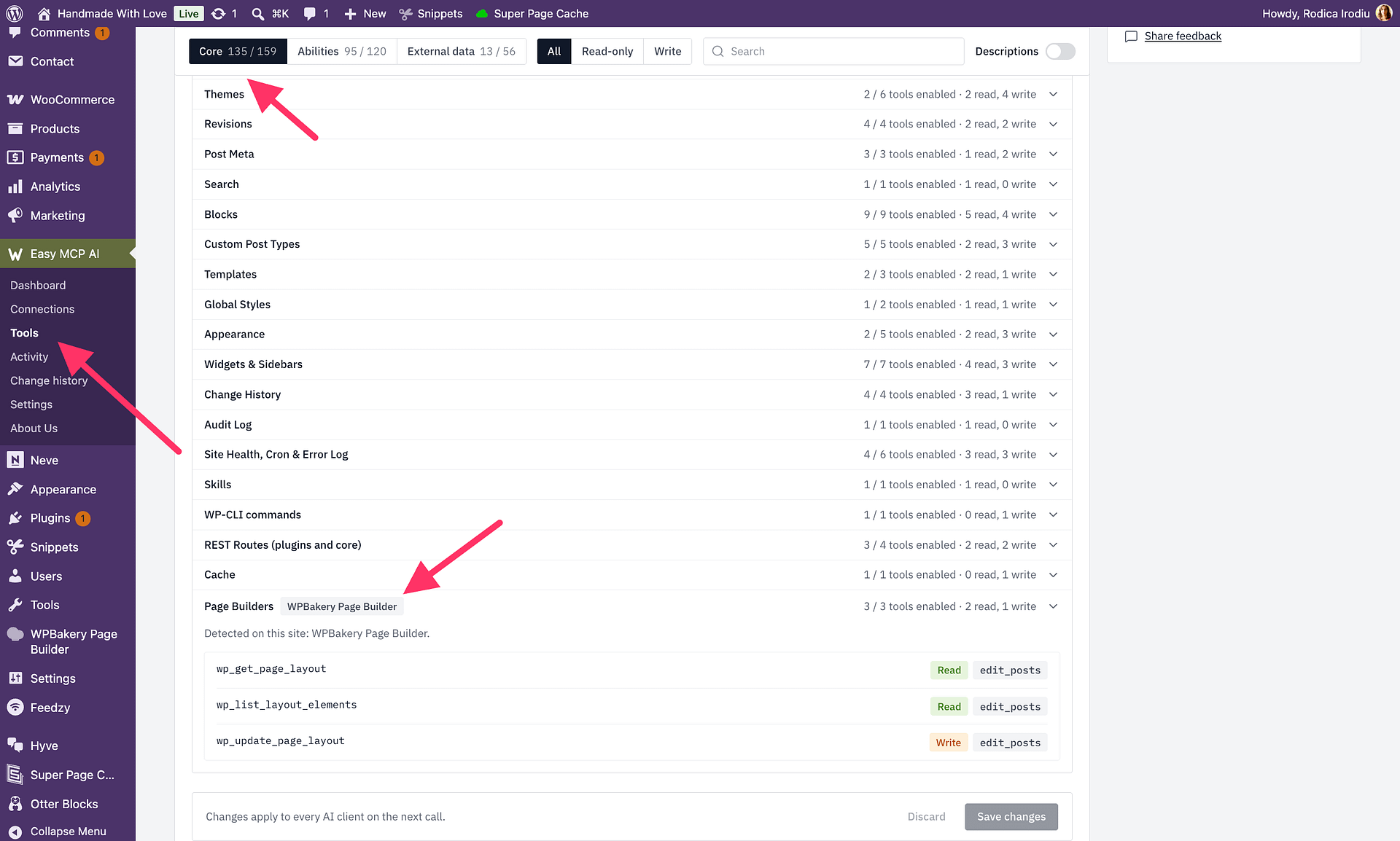
Easy MCP AI can read and edit supported Elementor, WPBakery, and Flatsome layouts. Read the layout before editing so you can use its current version and element addresses, and check the reported editing restrictions.
In this article
Read before editing
Ask your AI client to call wp_get_page_layout with the item's post_id, the ID WordPress uses to identify the page or post. The response includes the layout, element addresses, a version, and an editable status. Keep the version and element addresses for the edit request.
The read expands four levels of the layout by default. If you need to inspect a deeper layout, request up to twelve levels. Ask for include_settings: true when you need the elements' stored settings.
Check editable and any edit_note in the response before continuing. The connected WordPress user must be allowed to edit the item, and the connection must allow the requested tools. Use wp_list_layout_elements to check which fields each element supports instead of guessing.
Preview and save
Ask your AI client to call wp_update_page_layout with the same post_id, the version from the read response, and the requested ops. Supported operations are set_text, set_link, set_image, and set_fields.
First, request a dry run by setting dry_run to true. Review the result before asking the AI to submit the same edit without dry-run. A dry run checks the proposed operations without saving them, and the operations are applied all at once or not at all.
The version check prevents a change from being applied to a layout that has changed since it was read. If the update is refused because the version changed, read the layout again and use its new version and element addresses. After a successful edit, use the new version in the response for your next edit.
Limits
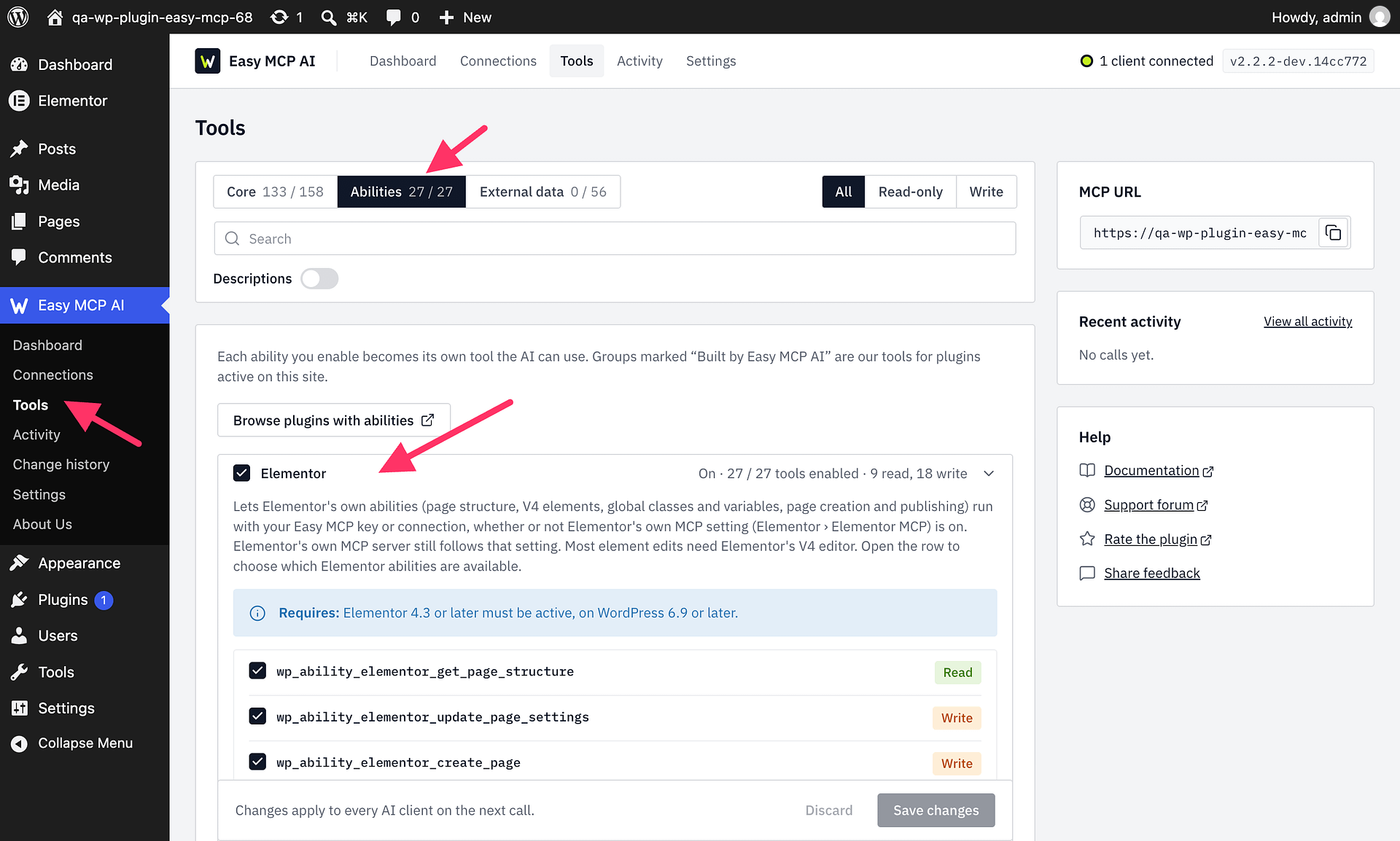
WPBakery and Flatsome layouts can be edited only on tested builder versions; layouts on other versions remain readable. Elementor V4 elements marked atomic must be edited through Elementor's own abilities. If a layout is not editable, follow its edit_note and use the alternative tool named in the read result when one is provided. For ordinary Gutenberg or classic content, use the alternative tool named in the read result.
For example, ask: “Read this page's builder layout, find the main heading, and dry-run changing its text before saving.”