
Appearance
Clear Site Caches with AI
Use an AI client connected to Easy MCP AI to clear page and asset caches through the cache plugins installed on your site.
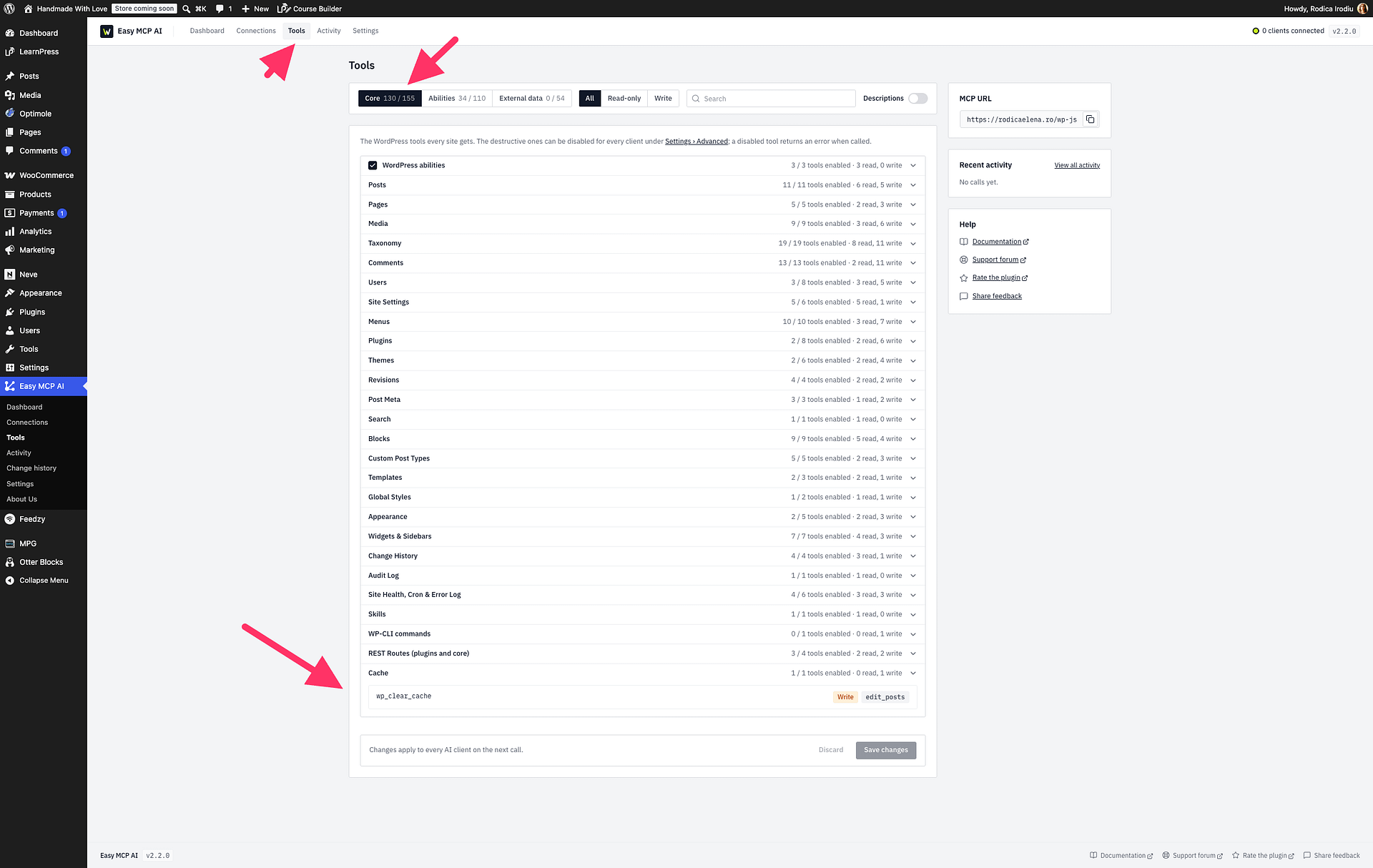
Enable Cache Clearing
Make sure wp_clear_cache is enabled under Easy MCP AI > Tools. If you change its setting, click Save changes.
Clear Caches with Your AI Client
Ask your AI client to clear the cache for one or more posts, one or more URLs, or the whole site. Easy MCP AI uses installed cache plugins to clear the page and asset caches.
When you clear the whole site, Easy MCP AI may also purge the CDN zone, such as Cloudflare. Visitors then refill the cache from your server as they visit the site.